
Download the CMAA Events App to enhance your CMAA2026 experience and get through registration faster!
Simply use your CMAA preferred email as your username and your CMAA Member ID as your password to log in.
You can use the app to view and sort the educational session schedule and even create your own daily itinerary.
Features include: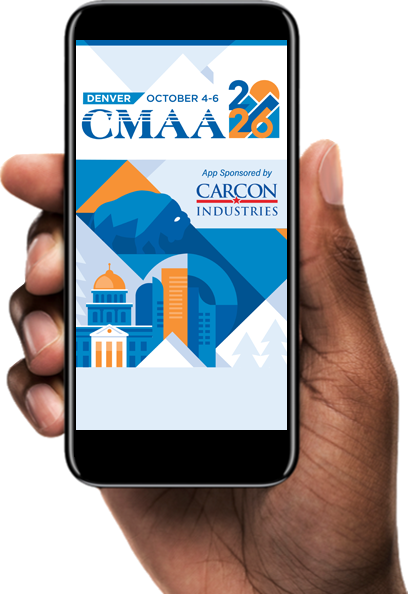
- Registration - Streamline your badge pickup. Download and log in to the CMAA Events App prior to your arrival. When you arrive at registration, click on My Badge to get through faster!
- Schedule - Review your full conference schedule and create your personal itinerary. Set alerts so you don't miss out on any of the action.
- Sponsors - Browse conference sponsors and make a plan to meet them all during networking breaks.
- Expo Hall - See which companies are exhibiting and view the floorplan to map out your plan to visit each.
- Speakers - Find your favorite speakers and learn more about their sessions.
- Notifications - View event alerts and up-to-the-minute information.
- Maps - View the hotel floor plan to help with navigation.
- And much more!